It's the second week of the quarter. On Monday you sent the metrics ask to 40 companies.
Eleven have replied.
Now comes the part nobody enjoys: working out who hasn't, writing "just bumping this to the top of your inbox", and doing it all again next week.
As of today, Cura does that part for you.
Follow-ups that know when to stop
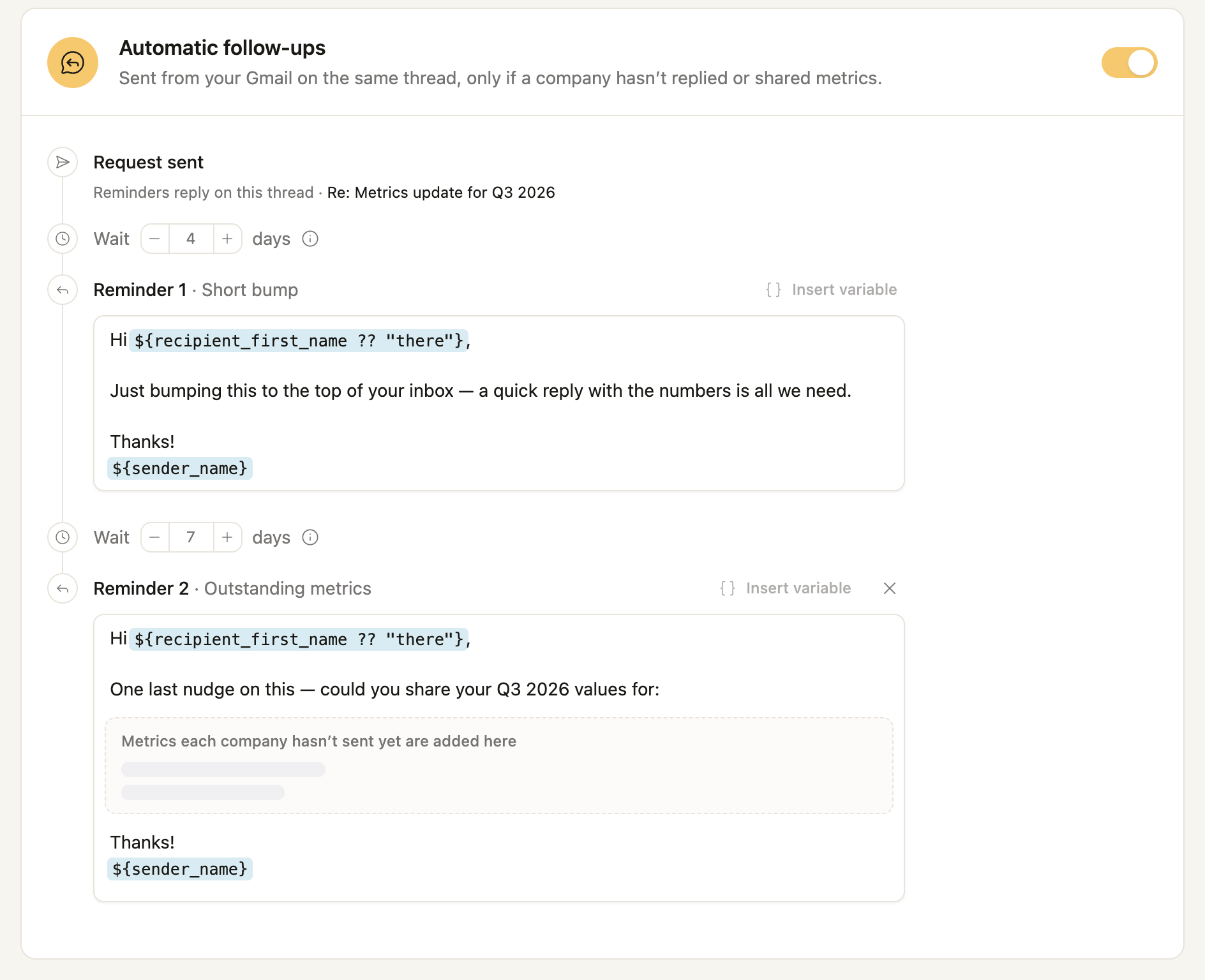
When you send a metrics request, turn on automatic follow-ups. Pick how long to wait and what each reminder says. Cura replies on the original email thread, from whoever sent the request, during their working hours.
The second reminder doesn't repeat the whole list. It asks each company only for the metrics it still owes.
And the moment a founder replies or their numbers arrive, the reminders stop. Nobody gets nudged the day after they sent everything.
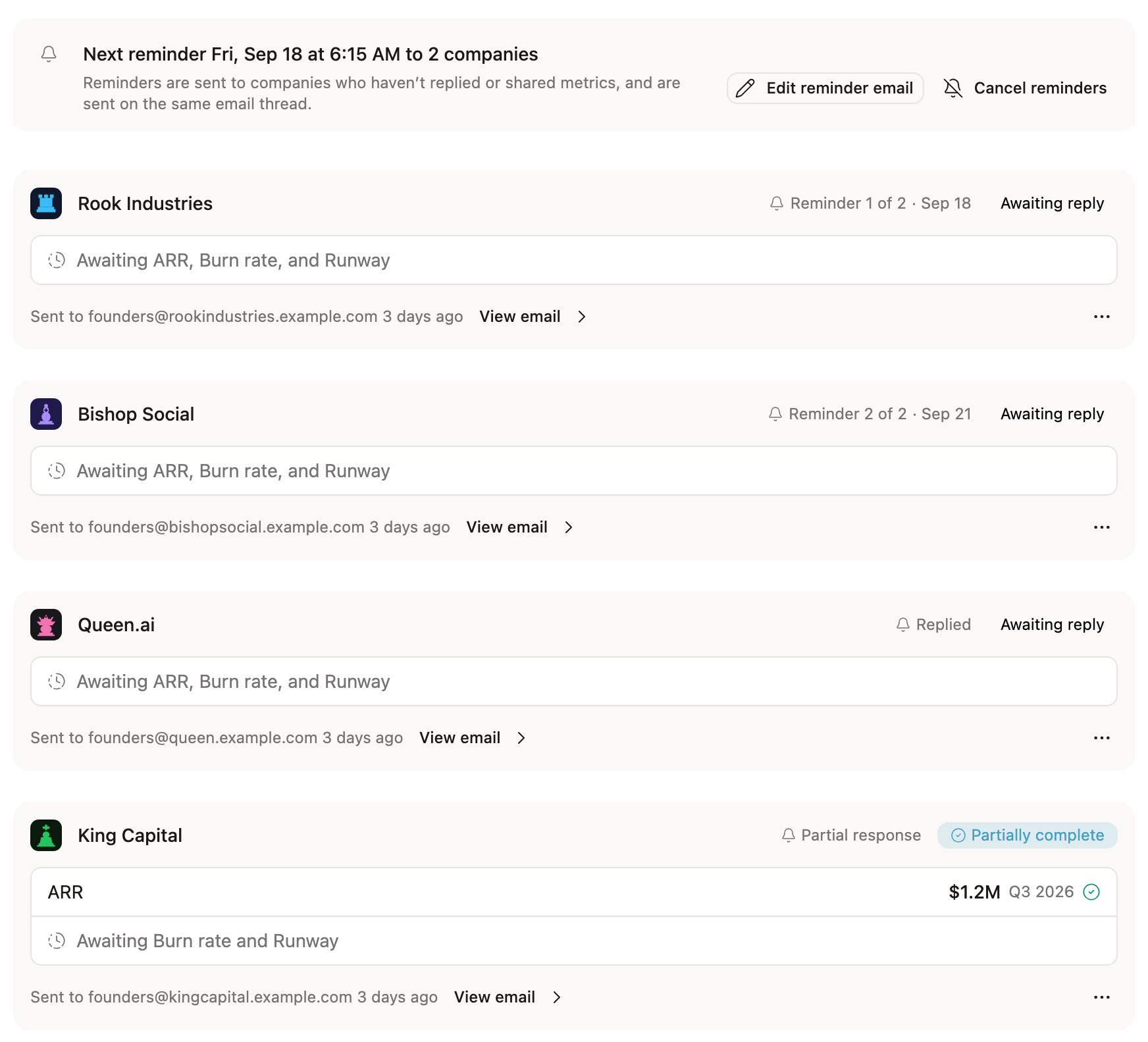
Every request shows what happens next: when the next reminder goes out, to how many companies, and who has already replied. Anyone on your team can change the wording or cancel the reminders.
Every email greets a real person
"Hi there" works. "Hi Jordan" works better.
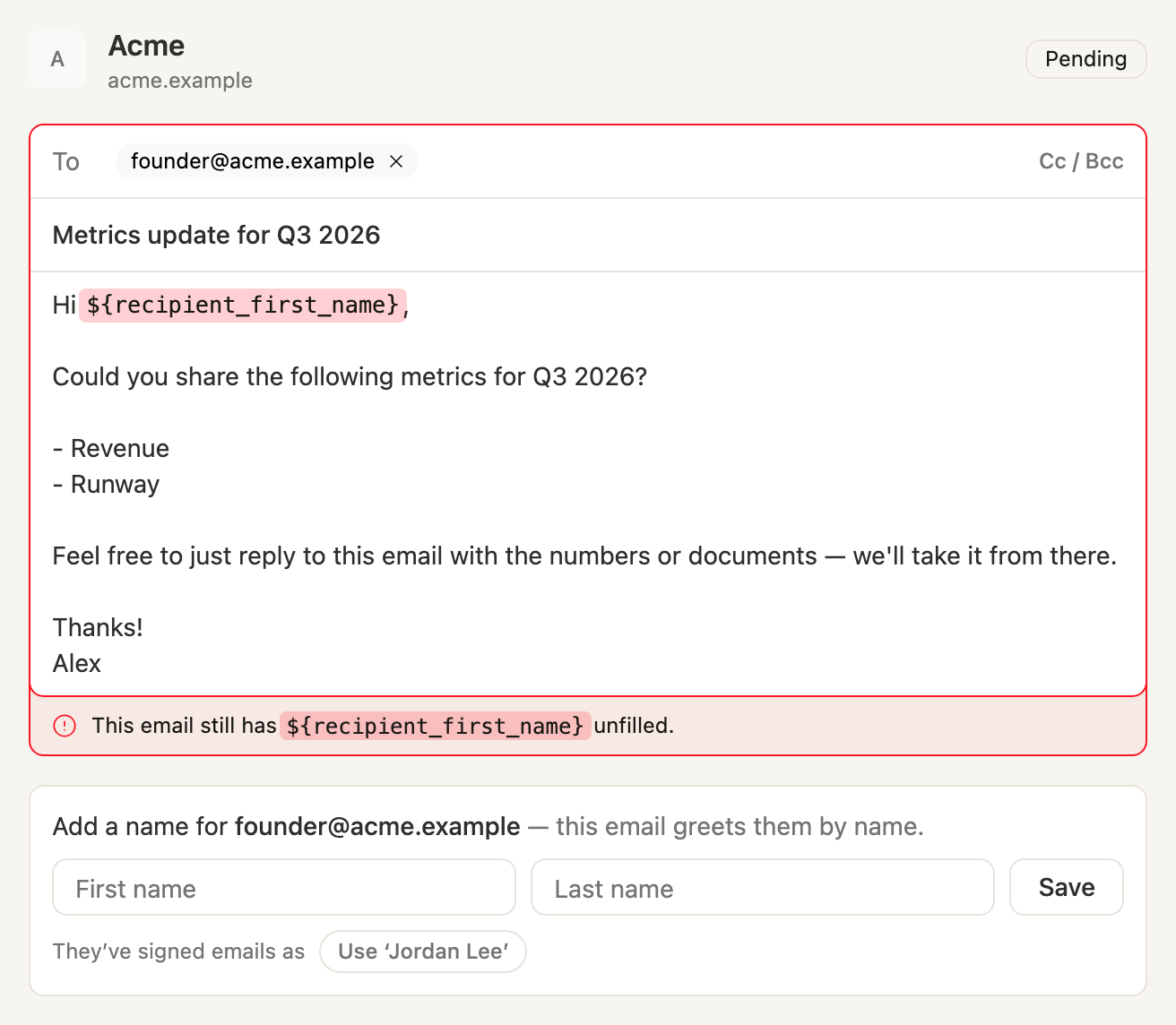
Requests and reminders now greet each founder by name. Add a name to your template in one click, set a fallback if you'd like one, and Cura fills it in for every company.
If Cura doesn't know someone's name, it doesn't guess. It holds that one email and asks you, often suggesting the name the founder signs their emails with. Save it once and Cura uses it everywhere.
Contacts are people, not just addresses
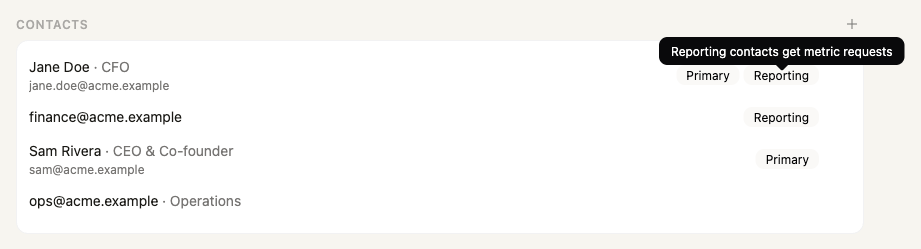
To make that work, company contacts now have names, titles and roles. Mark who your main contact is and who reports metrics. Requests go to every reporting contact, not just the first one on the list.
Have a spreadsheet of founders? Paste it into Cura chat and it imports the names, titles and roles in one go.
Pick up where you left off
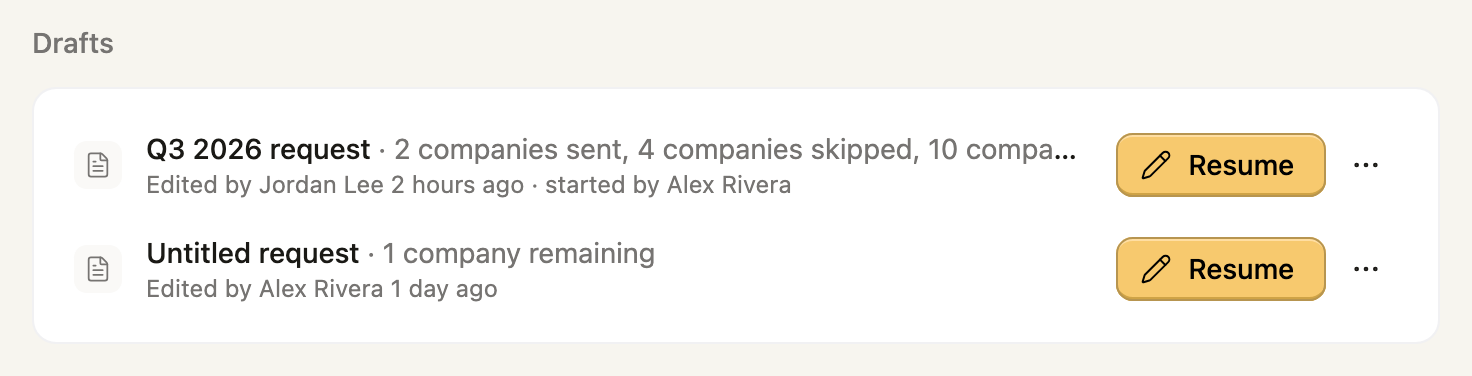
You rarely write to 40 companies in one sitting. If you close a request halfway through, Cura saves it as a draft your whole team can see.
Anyone can pick the draft up, and it saves as they go. No company gets emailed twice, even if two people work on the same request.
Stop asking for numbers you already have
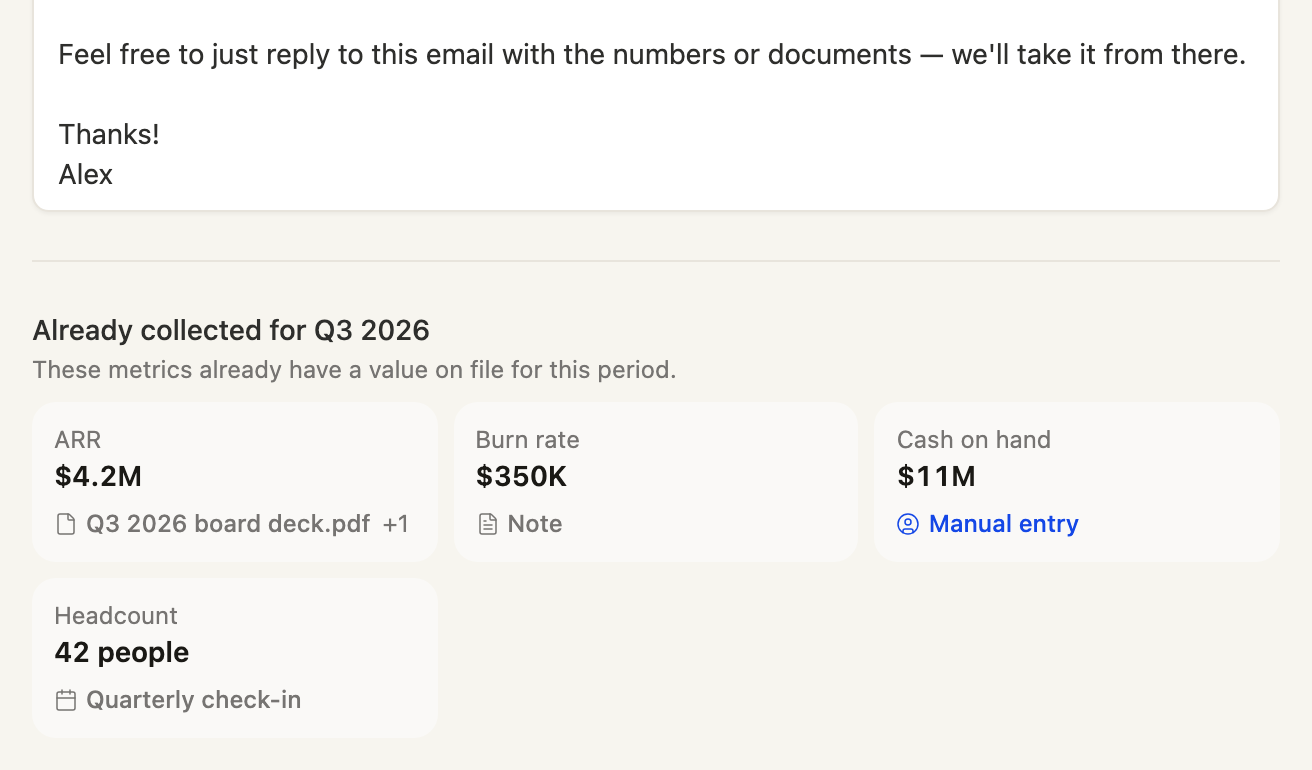
While you write each email, Cura shows which metrics that company has already reported for the period and where each one came from. You can also narrow the list of companies by any of your own fields, such as fund or fundraising status.
Plus a lot of polish
- A cleaner email editor. It's laid out like Gmail and is the same everywhere you write a request.
- Email and metrics on one screen. You write the email next to the metrics you're asking for, with a live preview.
- Friendlier previous values. They read naturally: "you last reported 38 in Q2 2026."
- A clear status on every email. Each shows scheduled, sending, or failed with one-click retry, and no company gets the same request twice.
- More accurate numbers. Extraction prefers net revenue over gross, employees over totals that include contractors, and unrestricted cash. It also dates runway to the right period.
Send your next metrics request, or if you're not using Cura yet, book a demo.